Every archive.
Every drive.
One app.
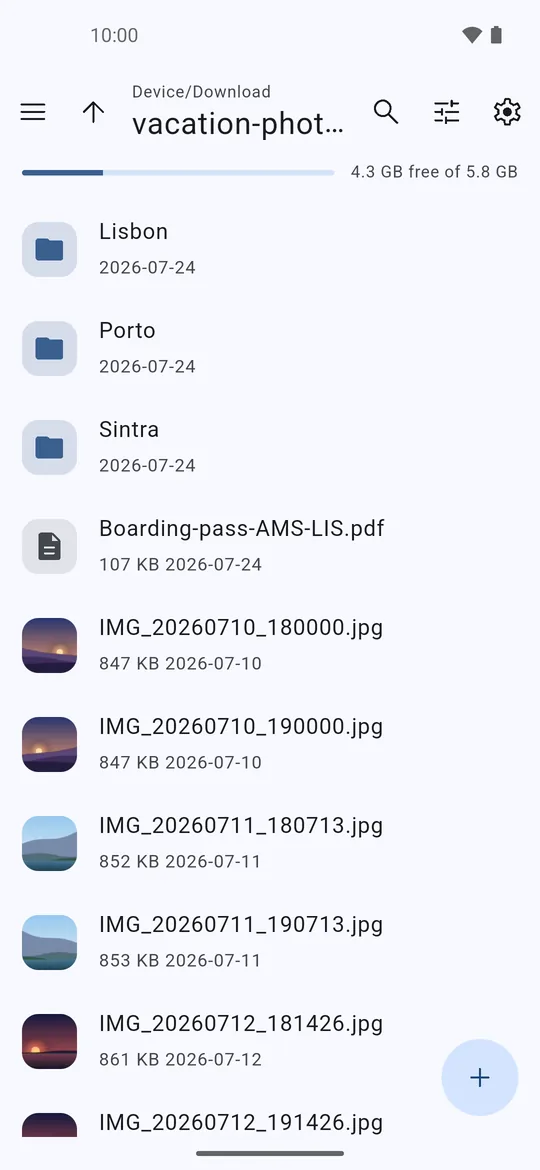
Open and create zip, rar and 7z files, browse archives like folders, mount USB drives without root and lock files away in encrypted vaults.
What it does
A fast archive manager and file manager, built in Rust.
Archives
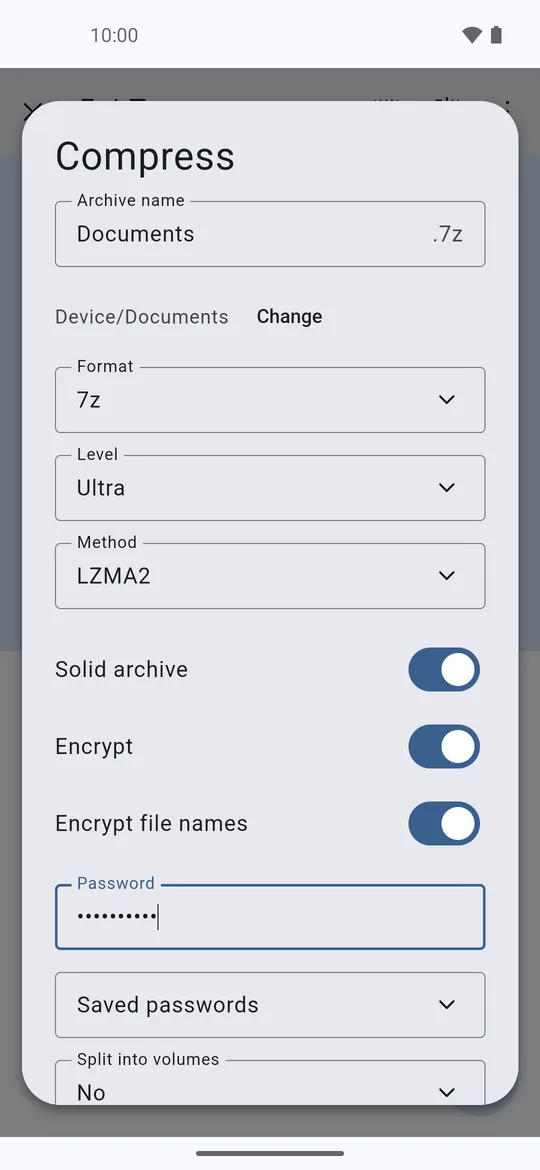
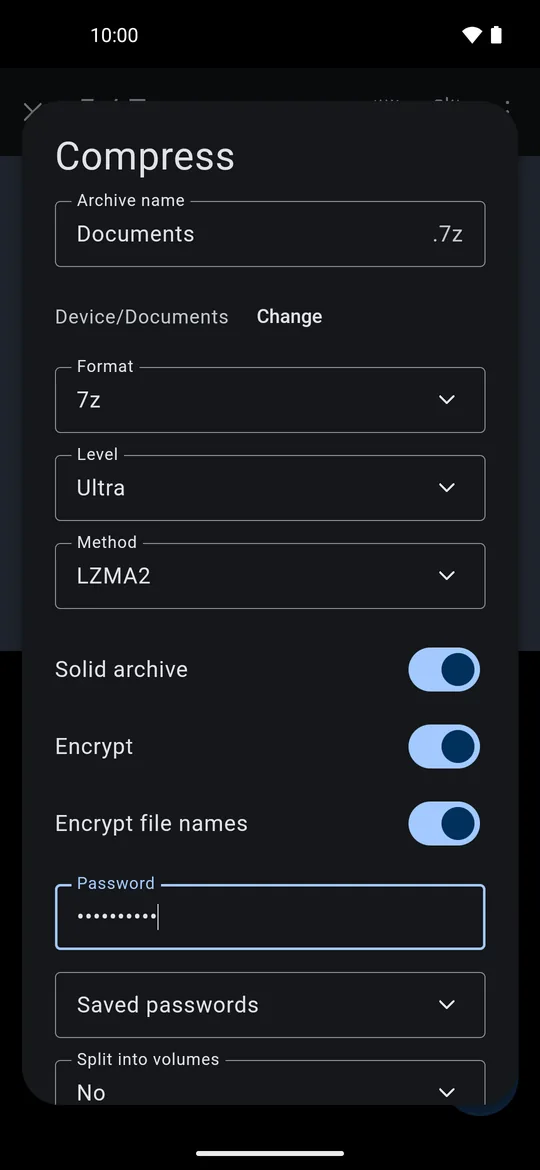
Extract over 40 formats and create 7z, zip and tar with AES-256. Edit archives without extracting them.
USB drives
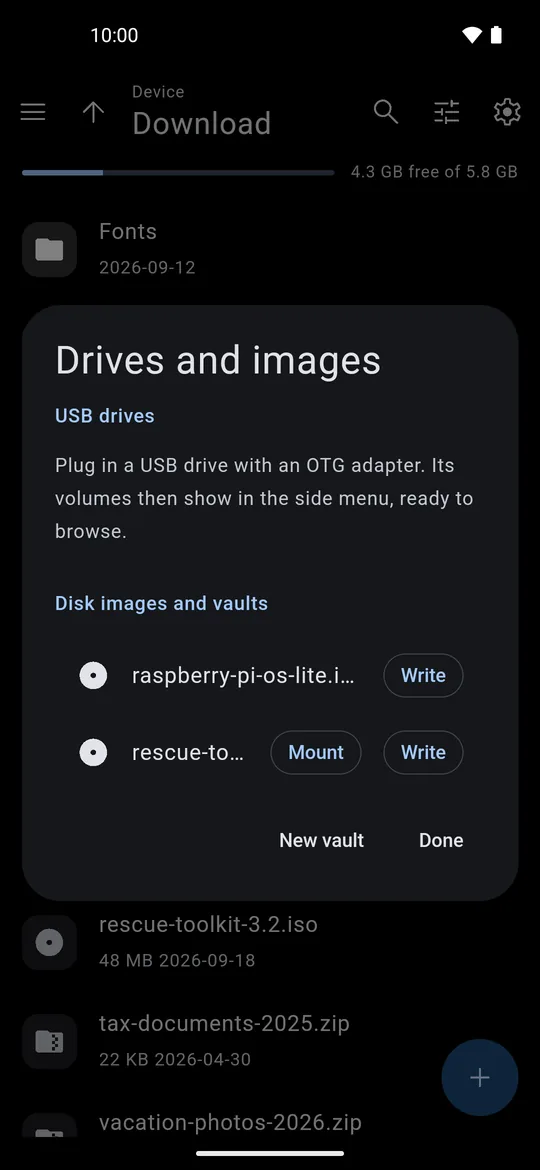
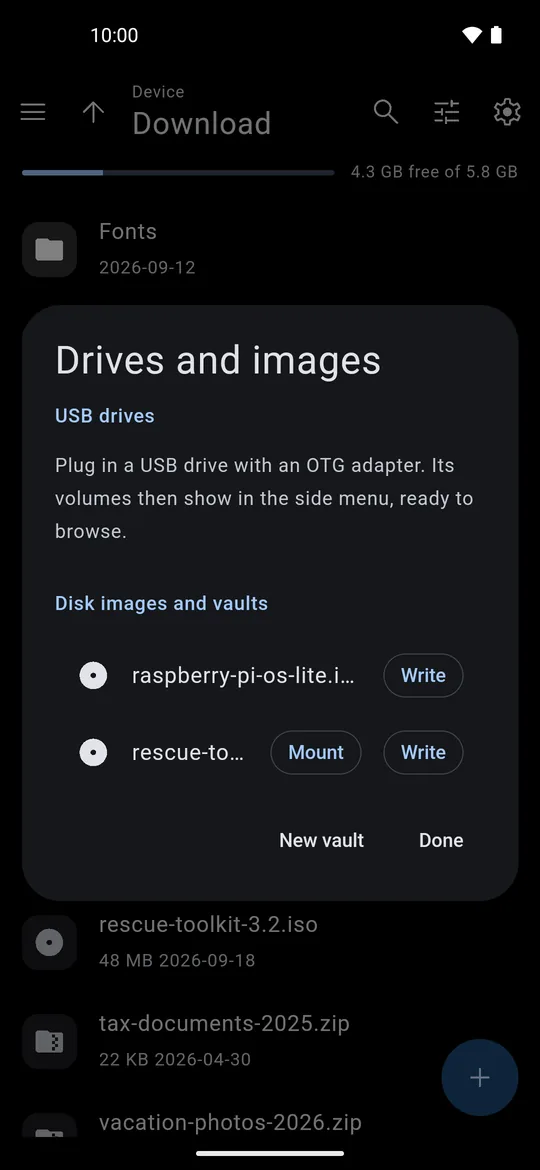
Mount FAT32, exFAT, NTFS and ext4 drives without root, read and write.
Disk images
Open img, iso, vhd, vmdk and qcow2. Write images to a USB stick with verification.
Vaults Premium
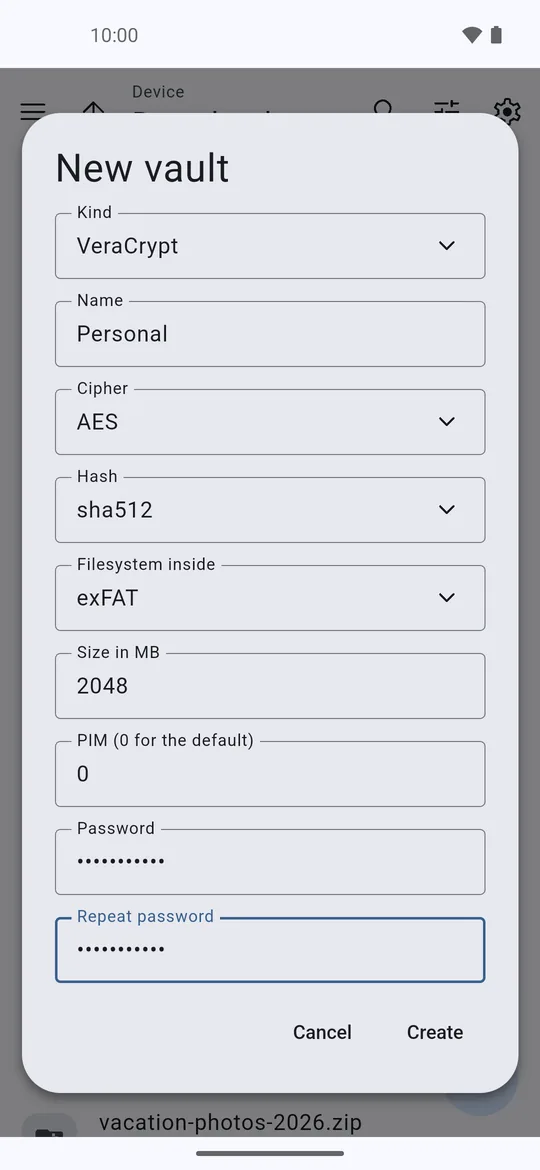
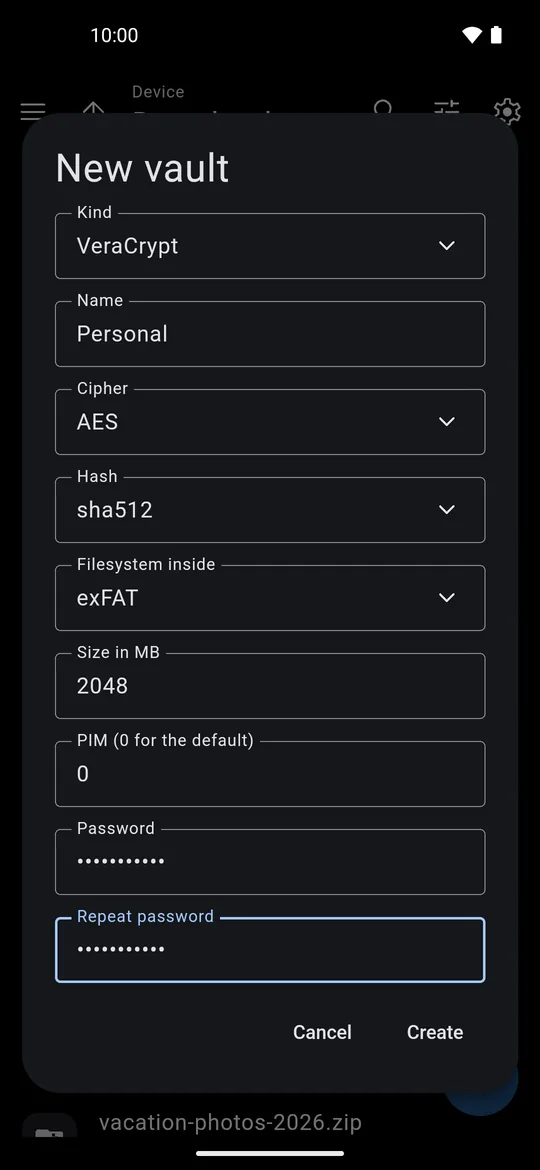
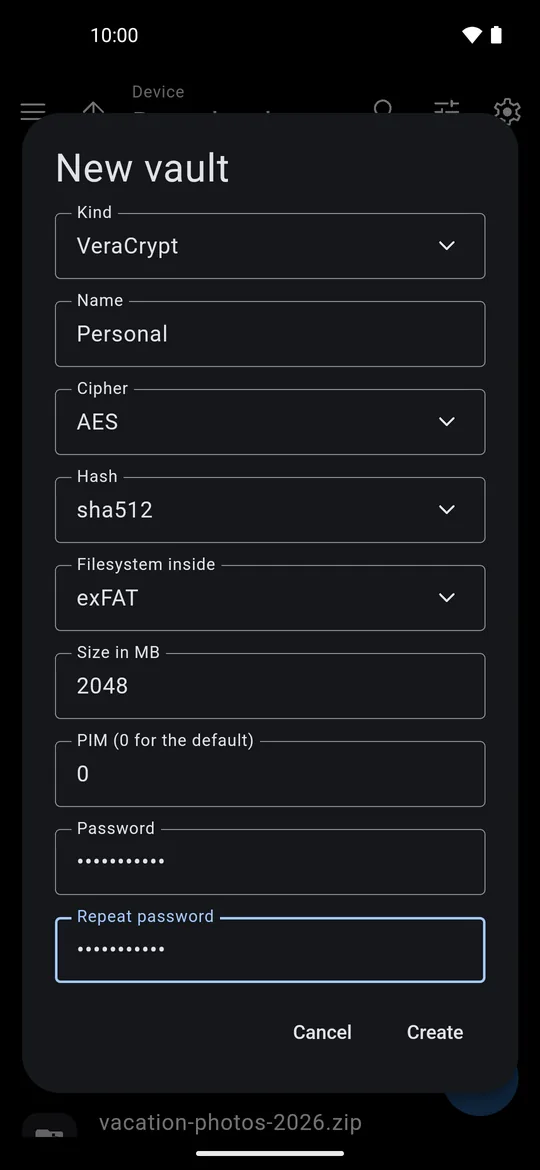
Open VeraCrypt, LUKS, BitLocker and EncFS. Create vaults and a private vault behind your fingerprint.
Content search Premium
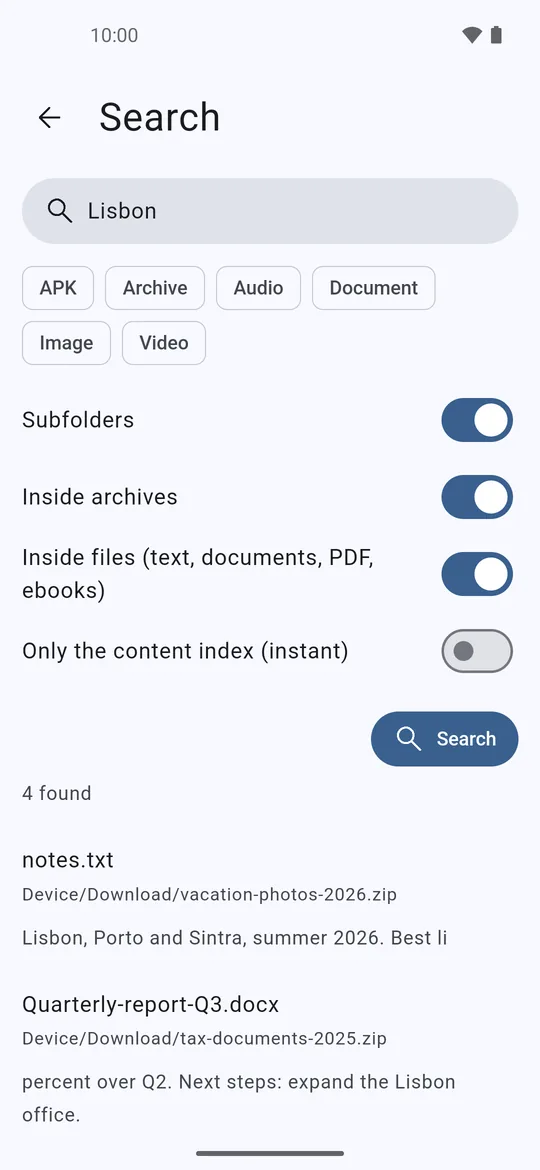
Find text inside documents, PDFs, ebooks and archives, with an index for instant results.
Nextcloud
Browse your own server and open remote archives without downloading them first.
Formats
Over 40 formats, from everyday zips to disk images.
Create
Write and compress
Open
Extract and browse, plus everything you can create
Disk images
Mount and browse
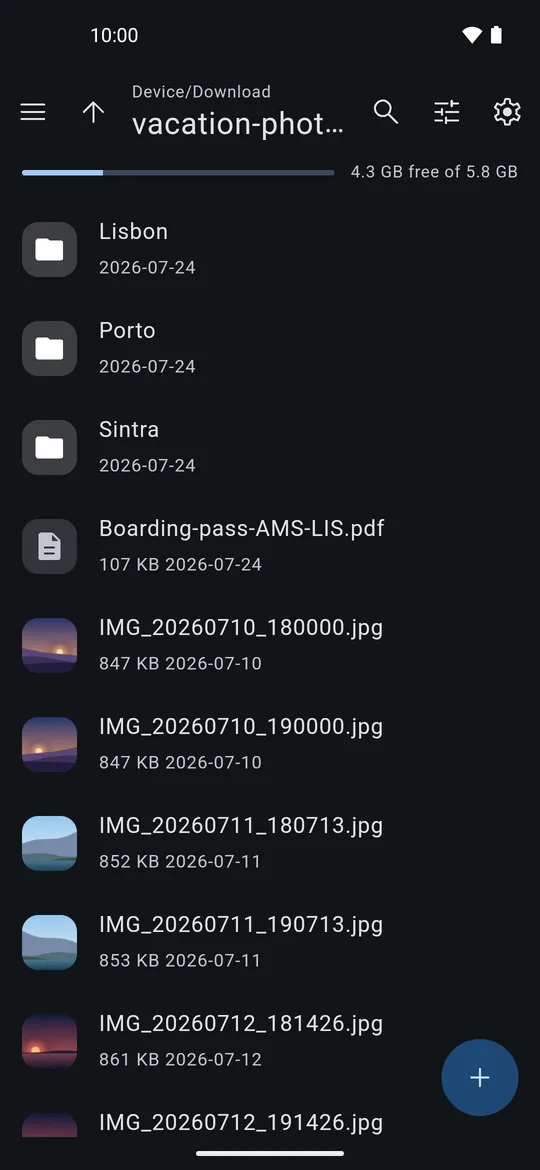
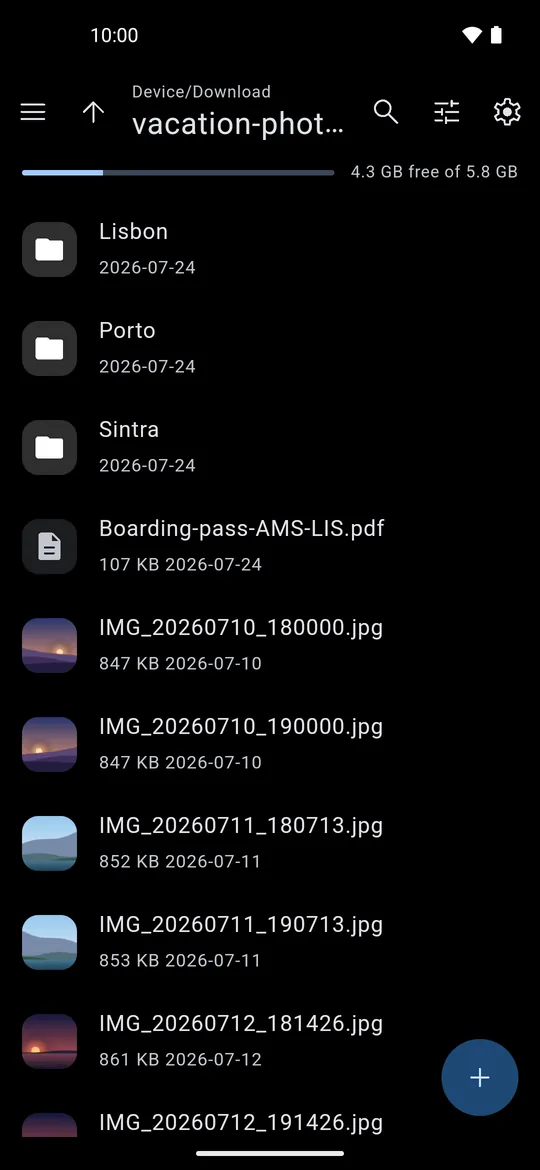
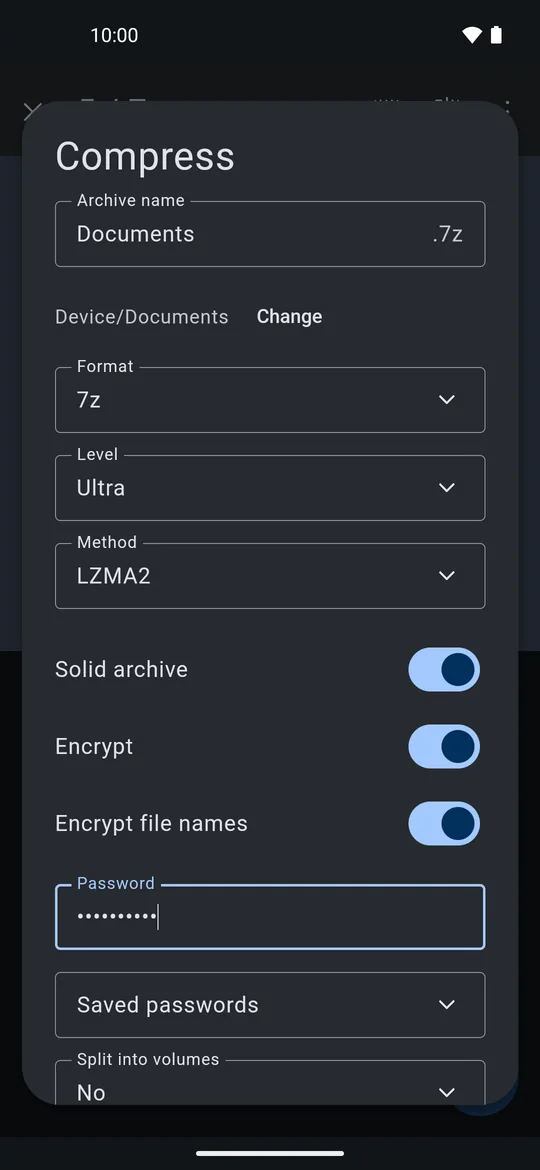
Screenshots
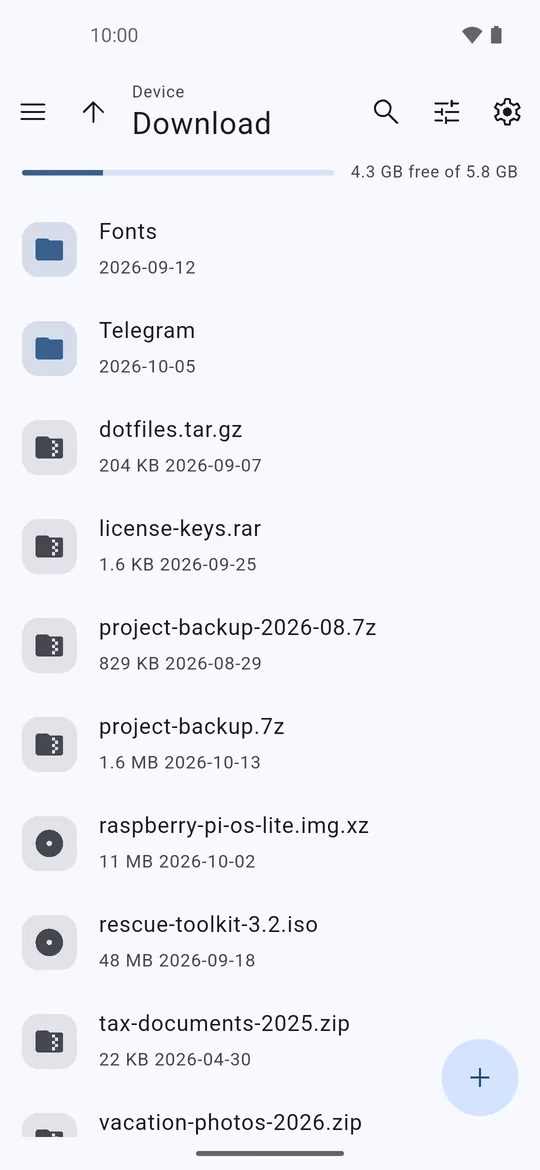
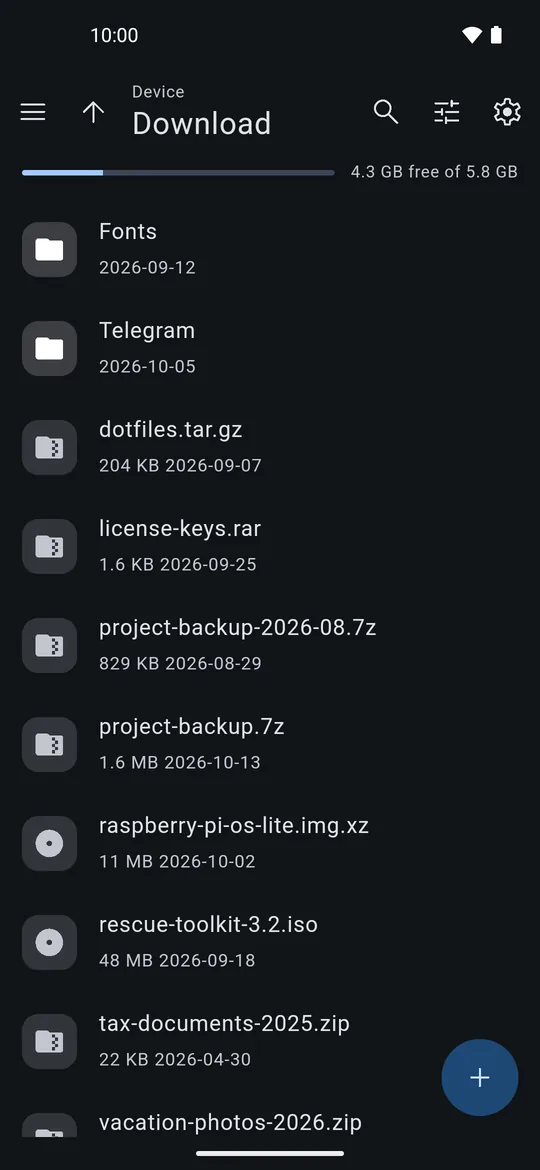
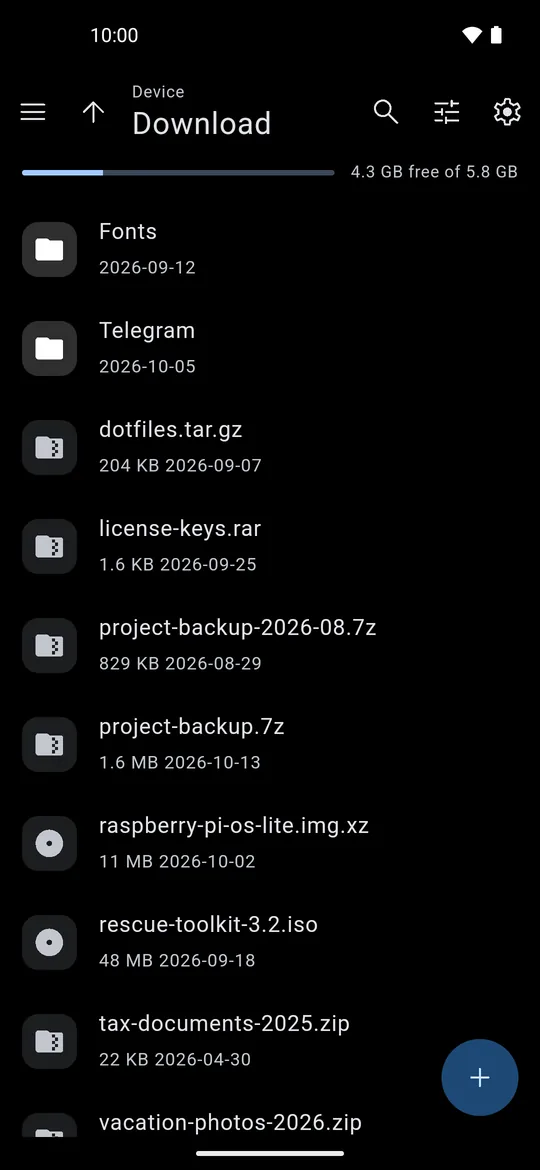
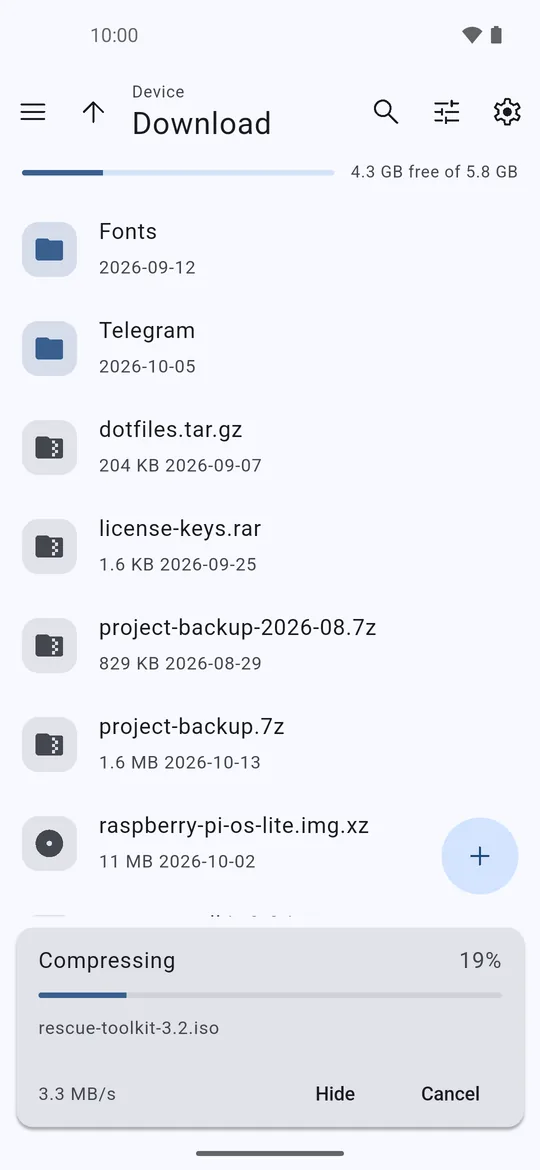
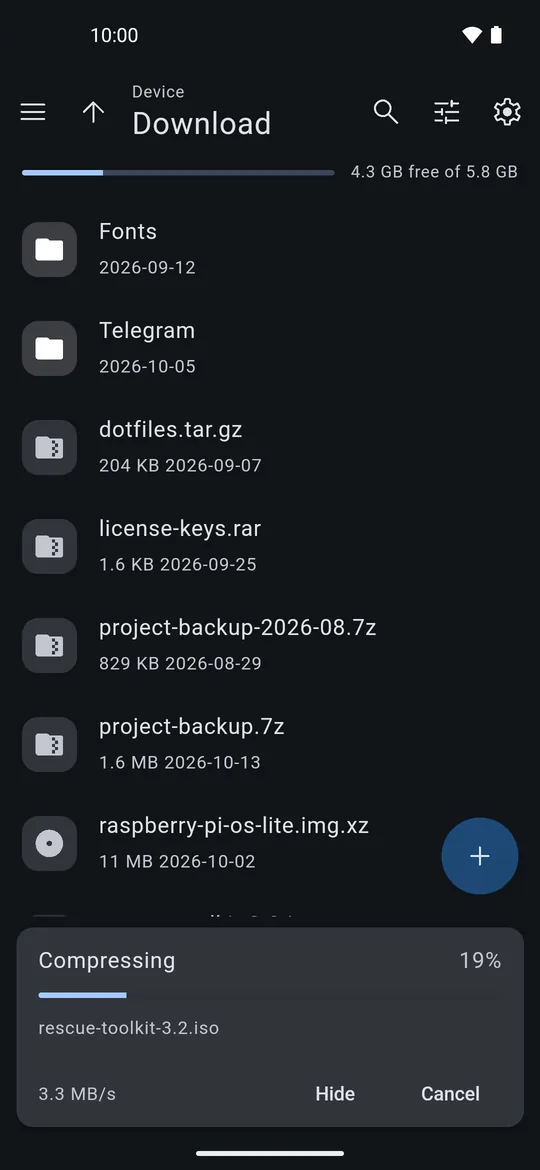
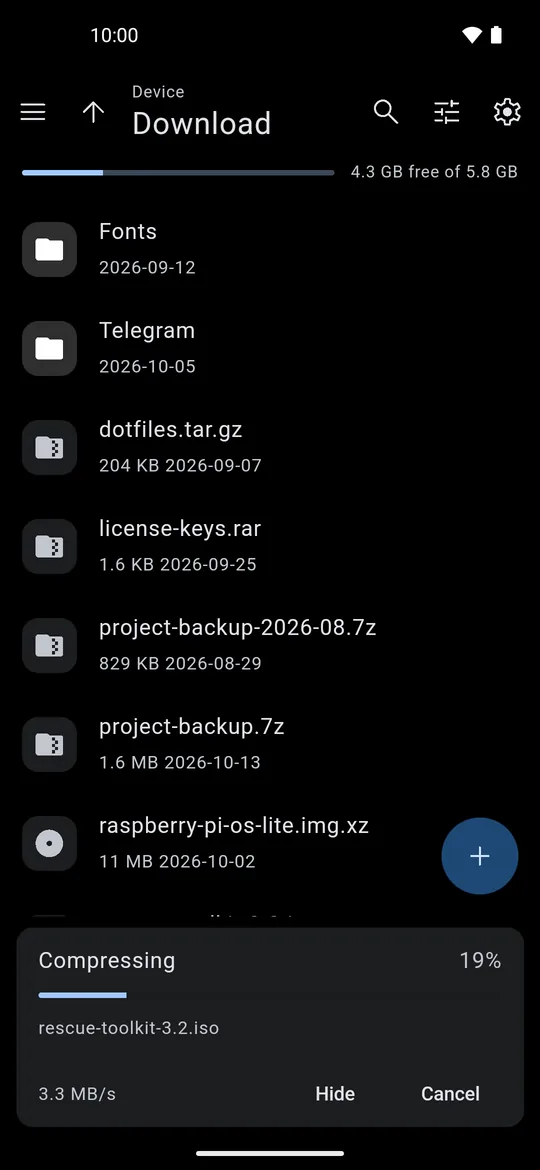
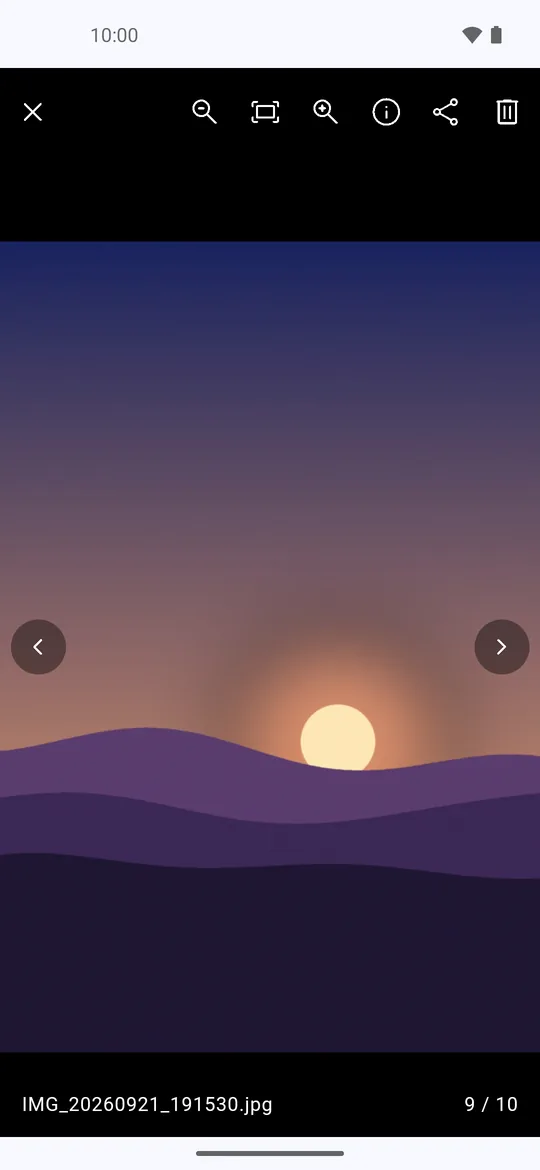
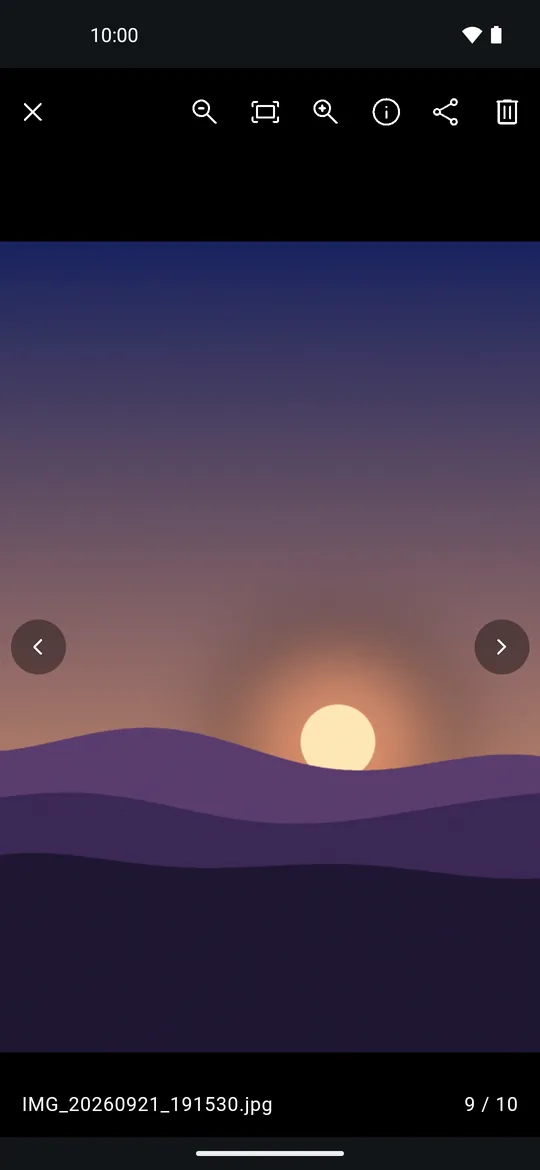
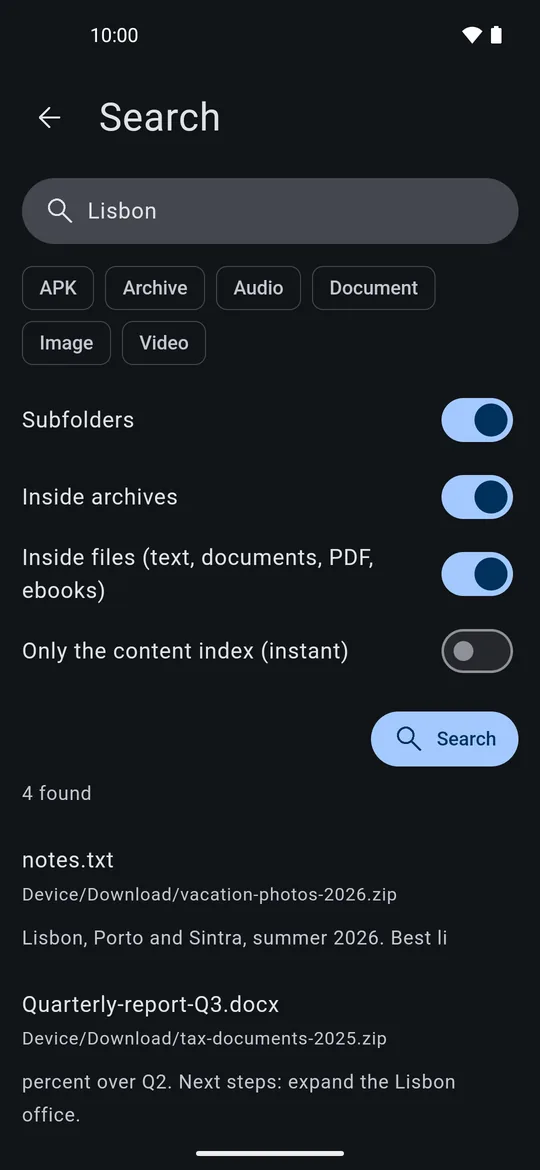
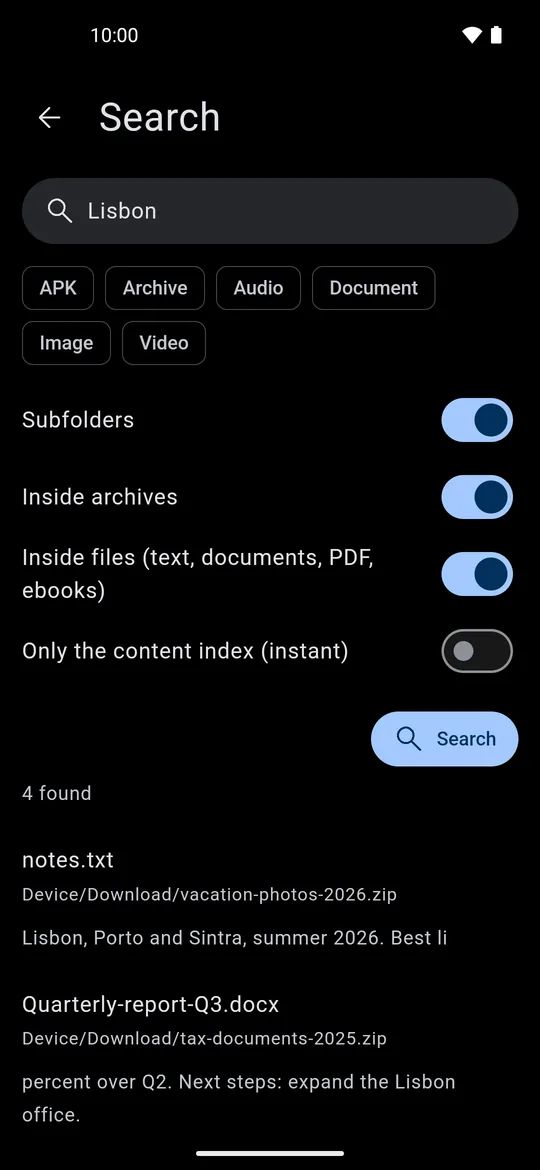
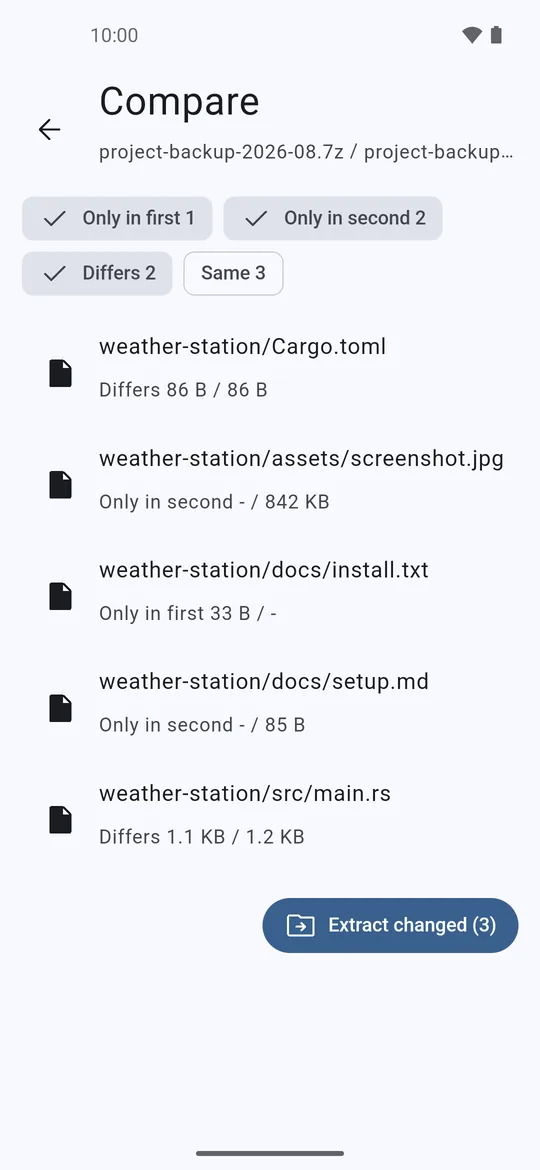
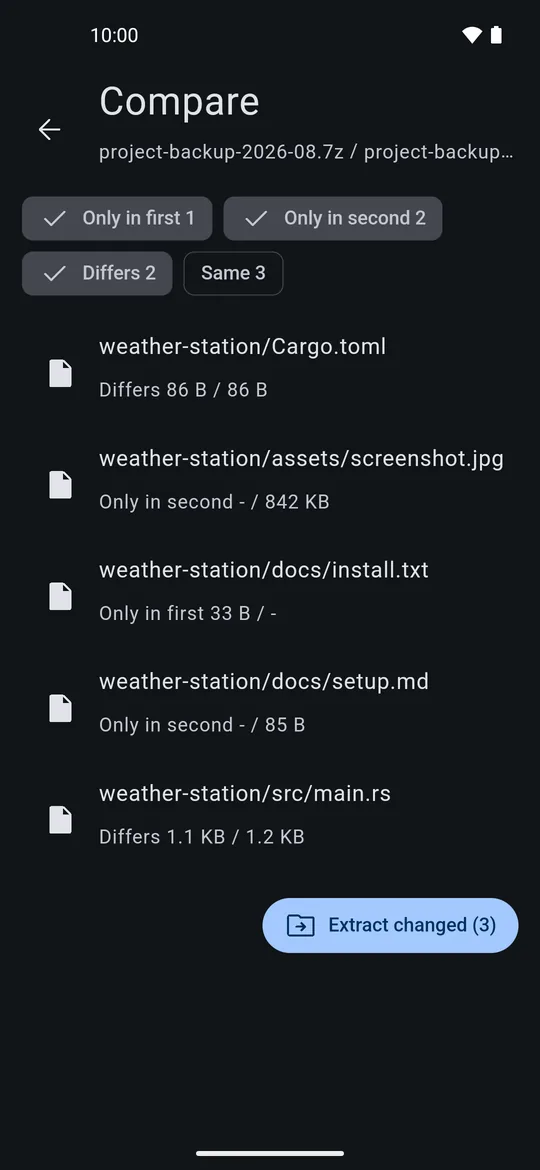
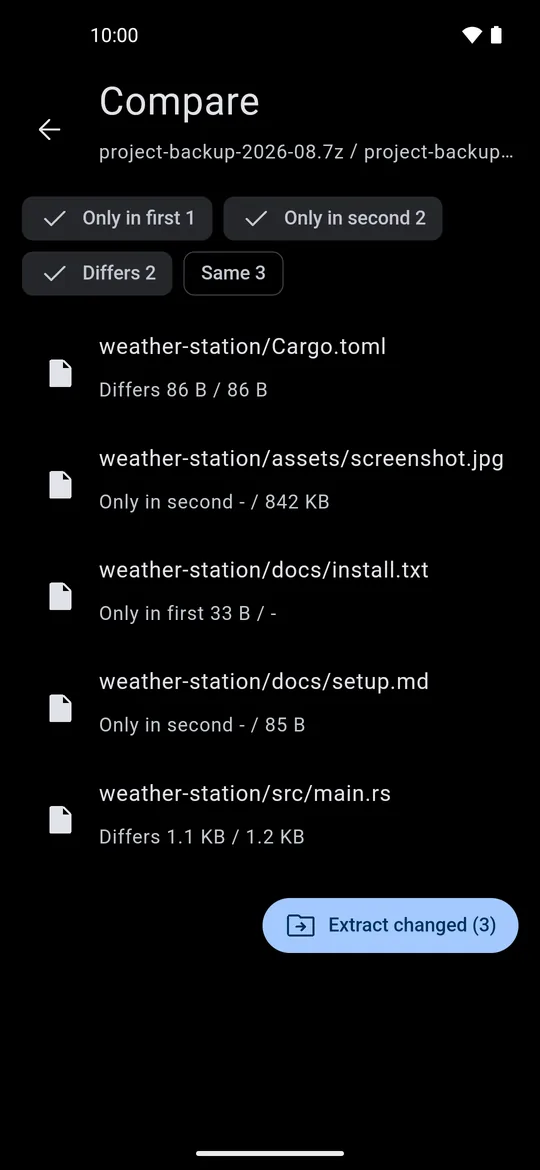
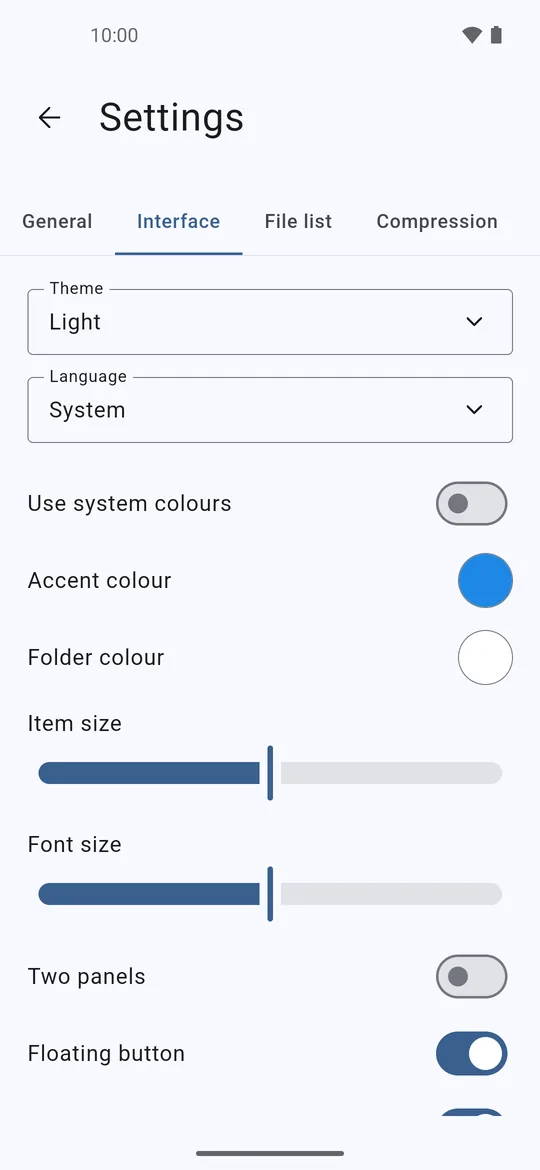
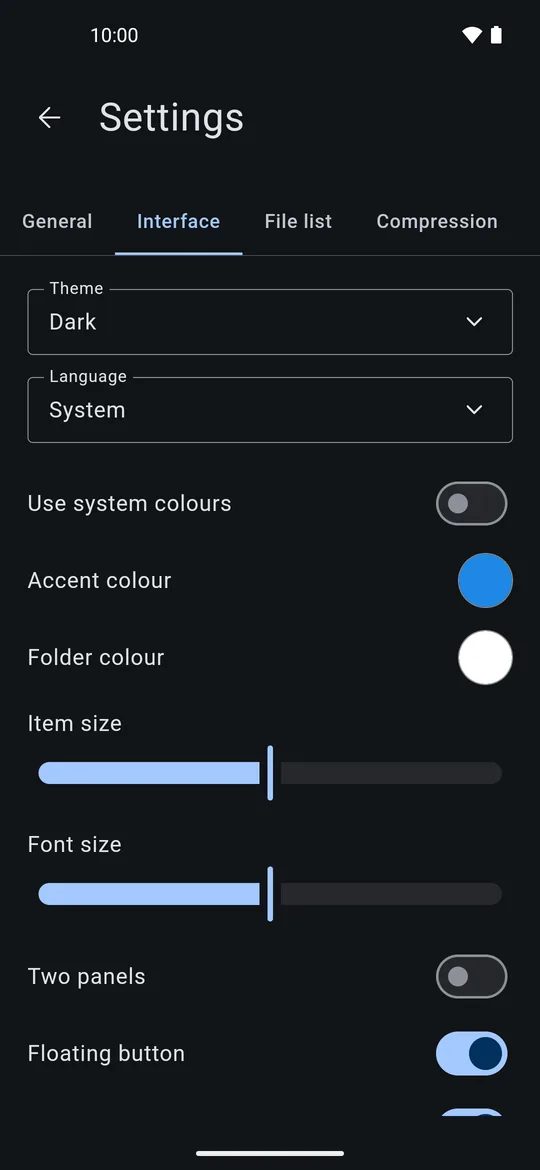
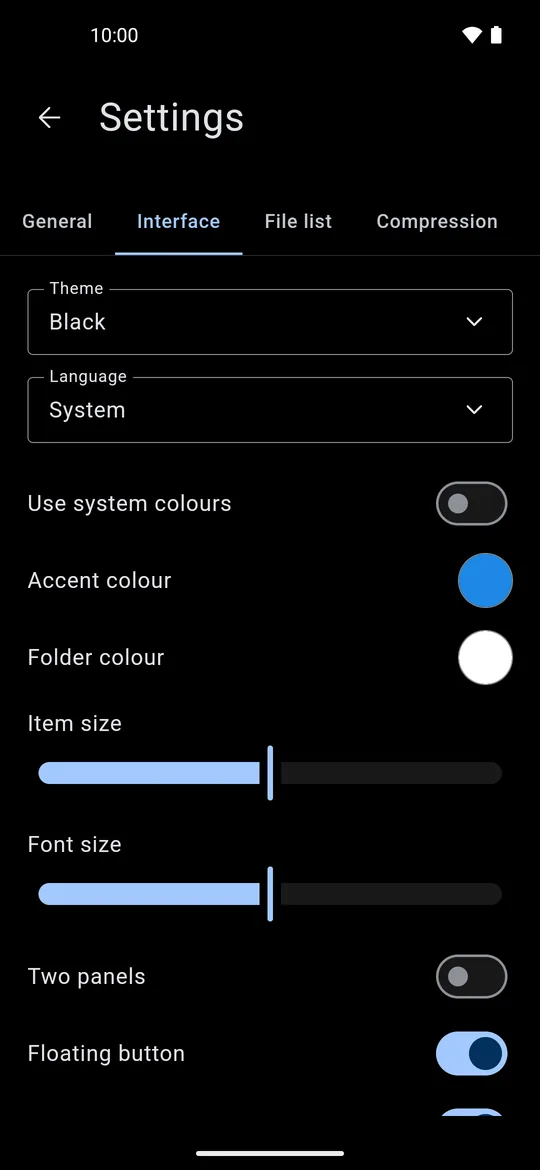
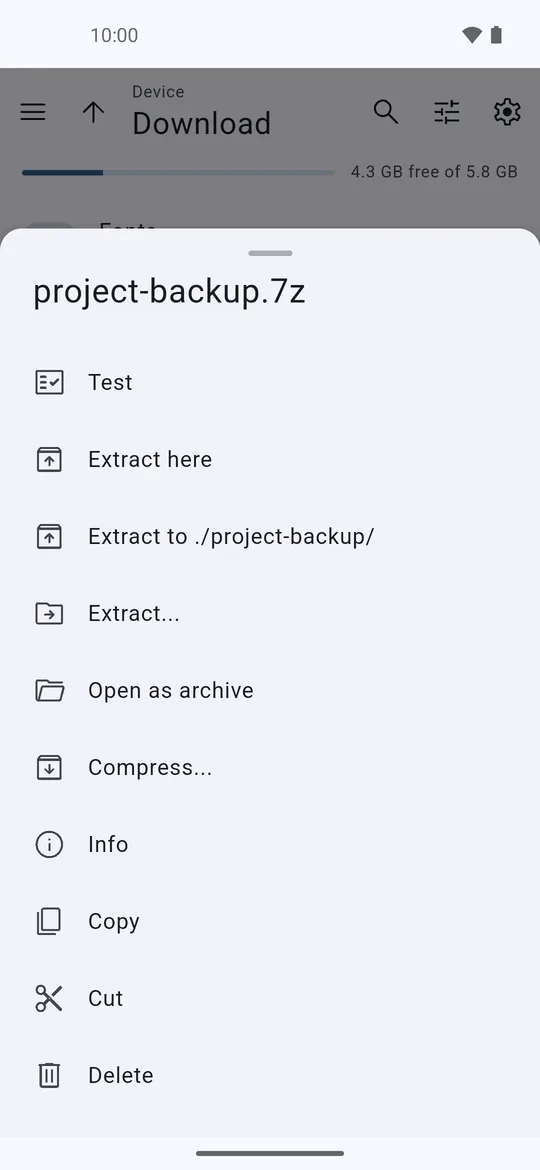
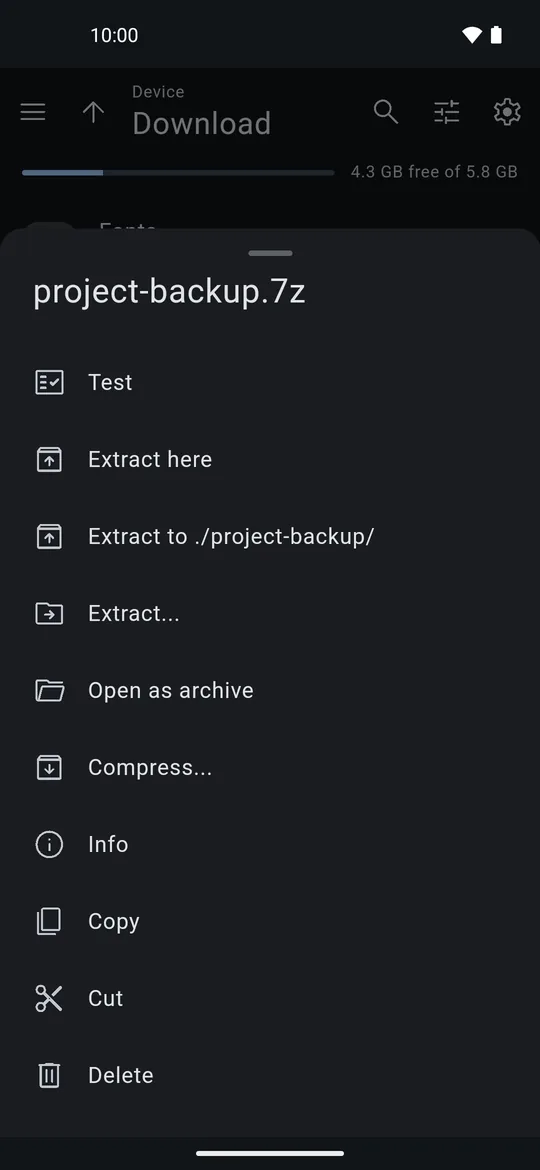
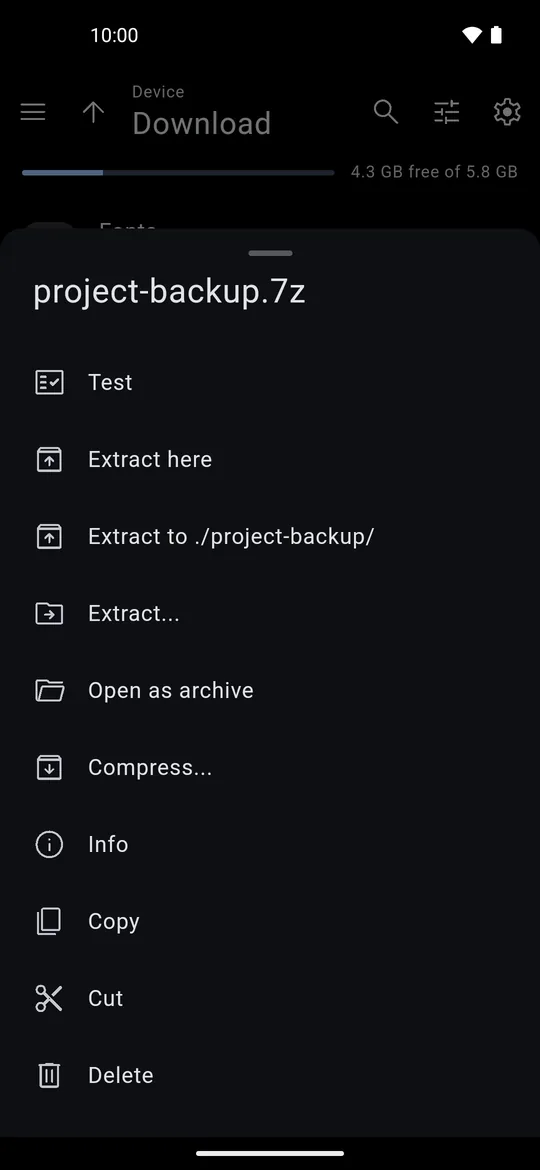
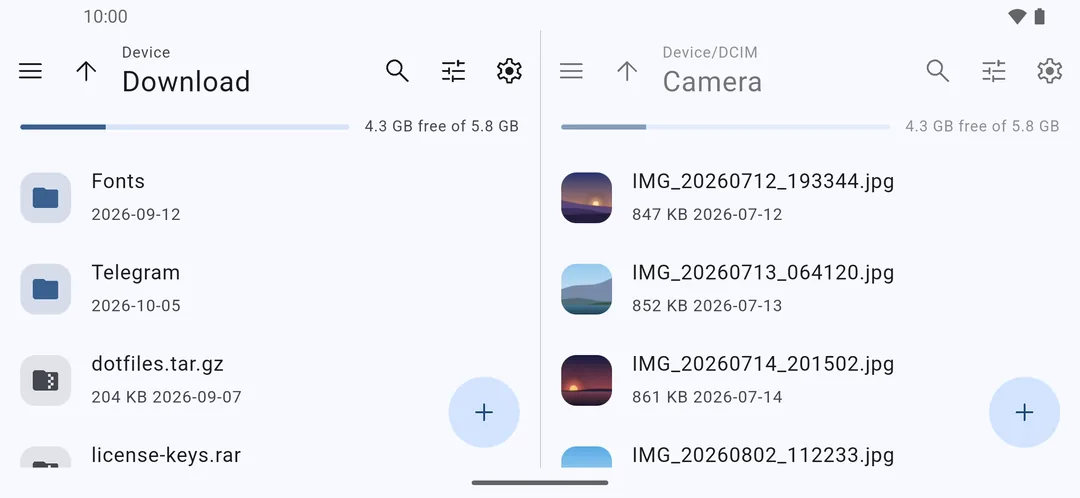
Shown in light, dark and black themes.
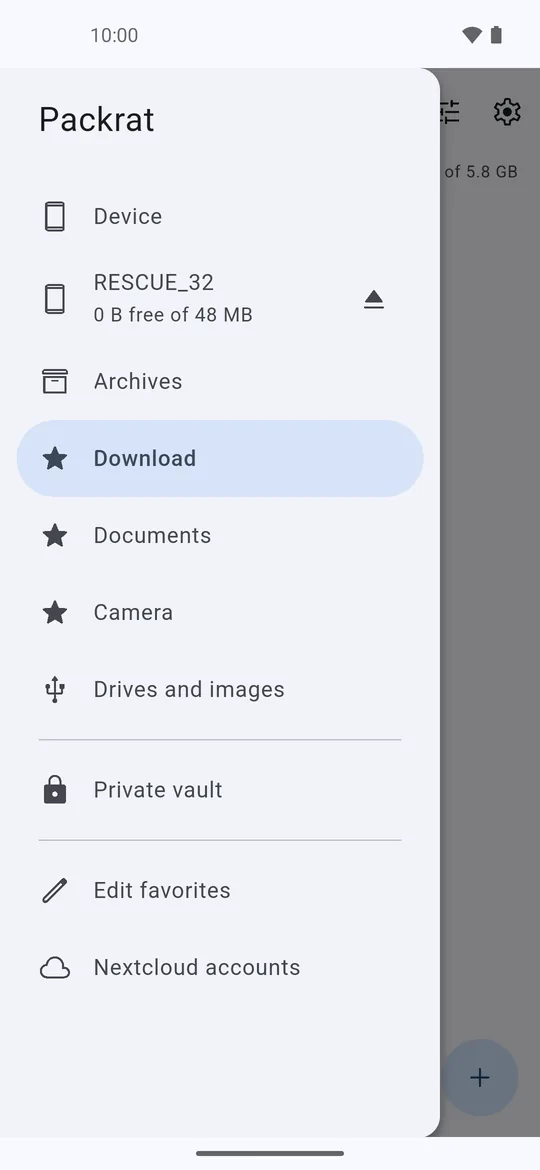
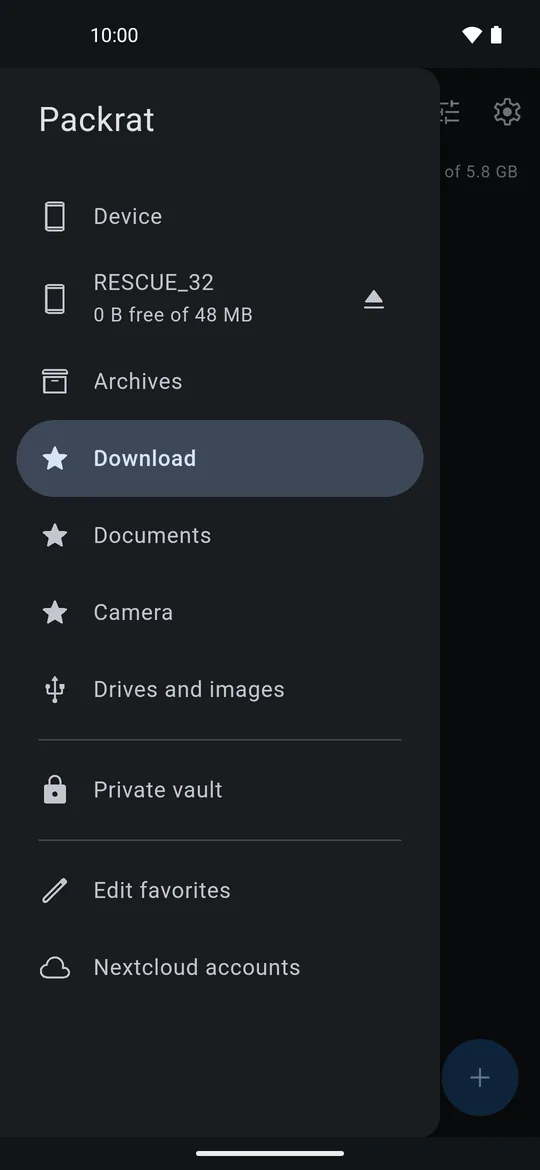
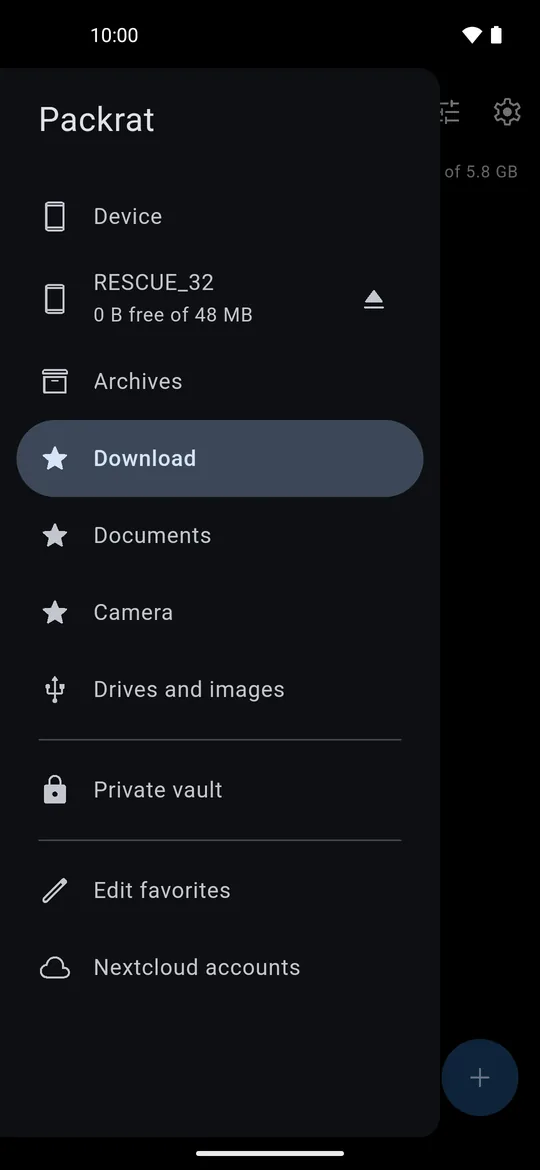
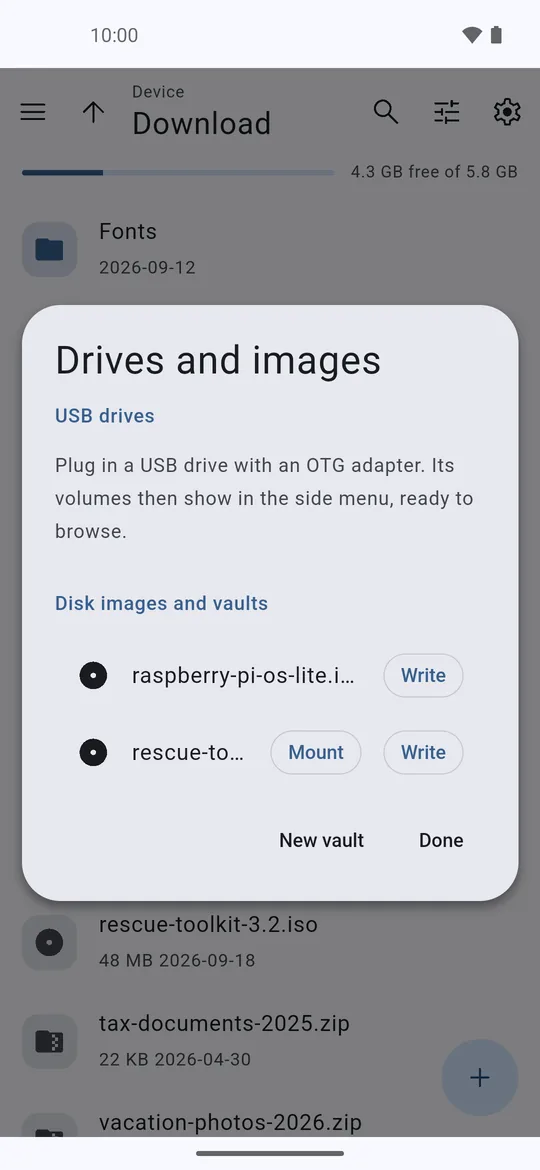
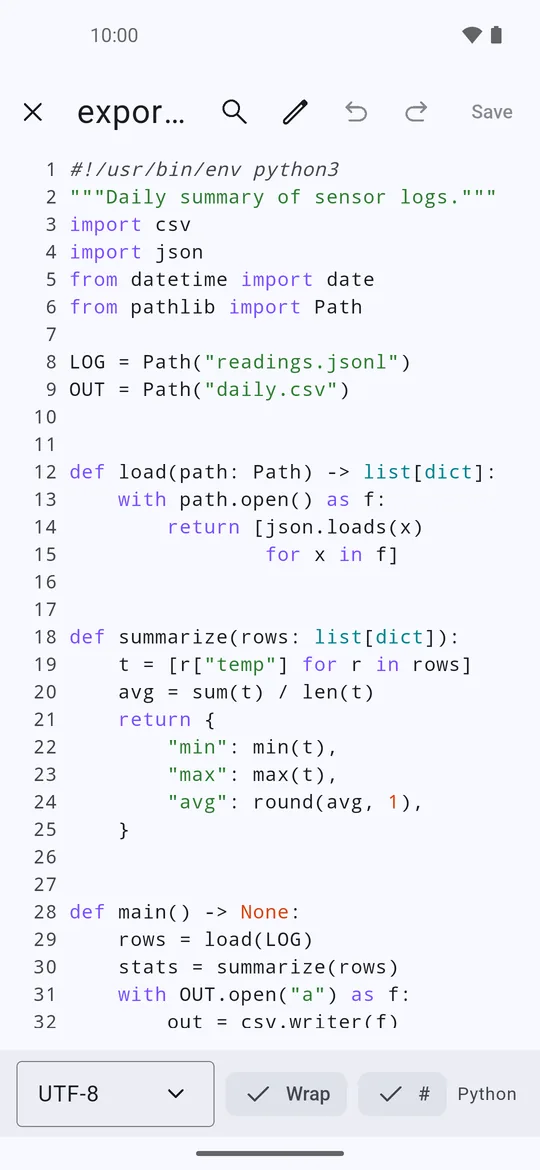
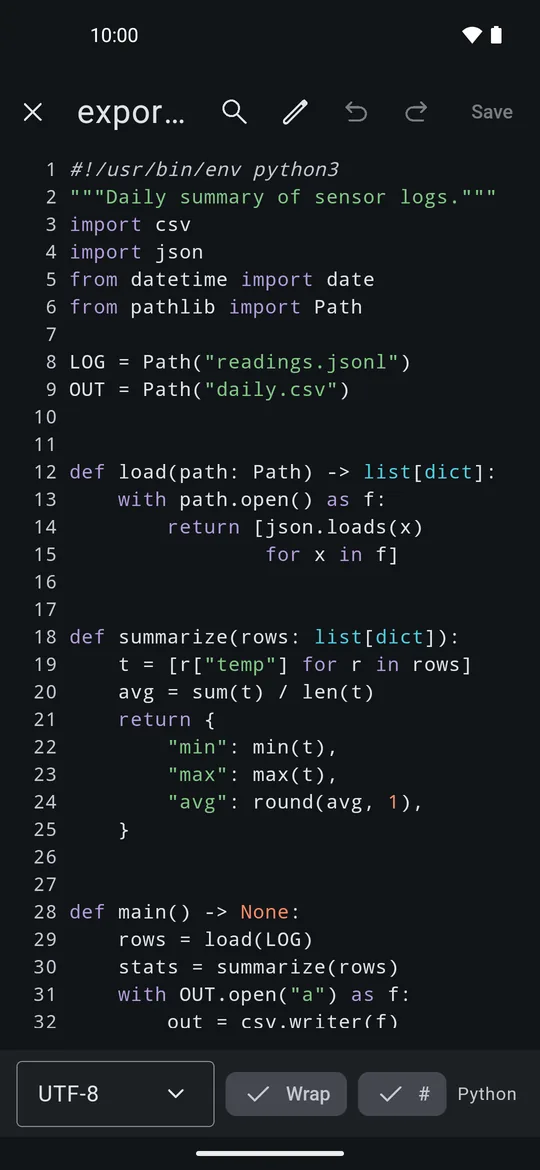
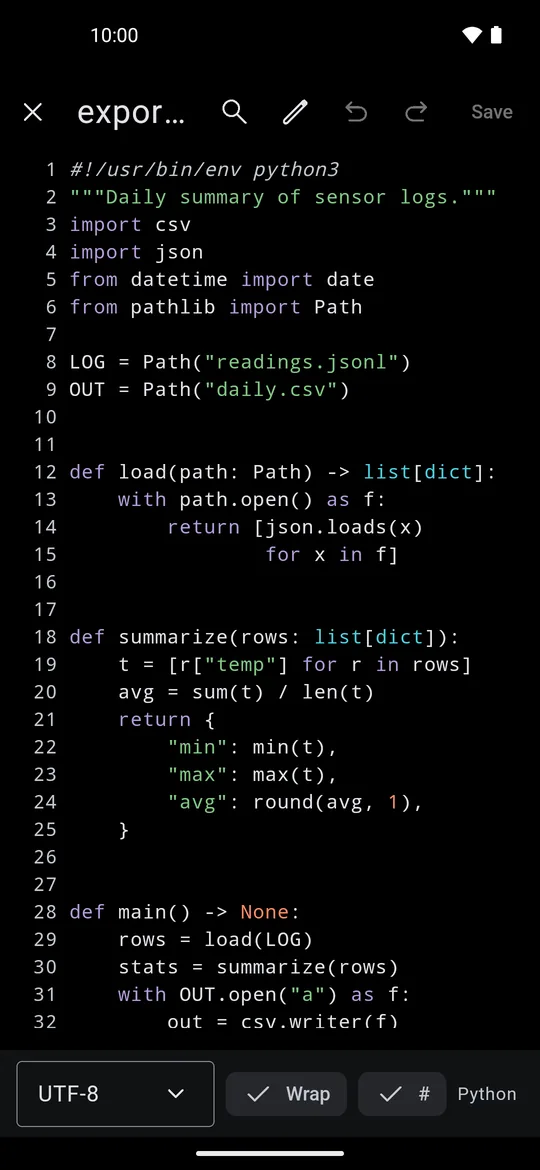
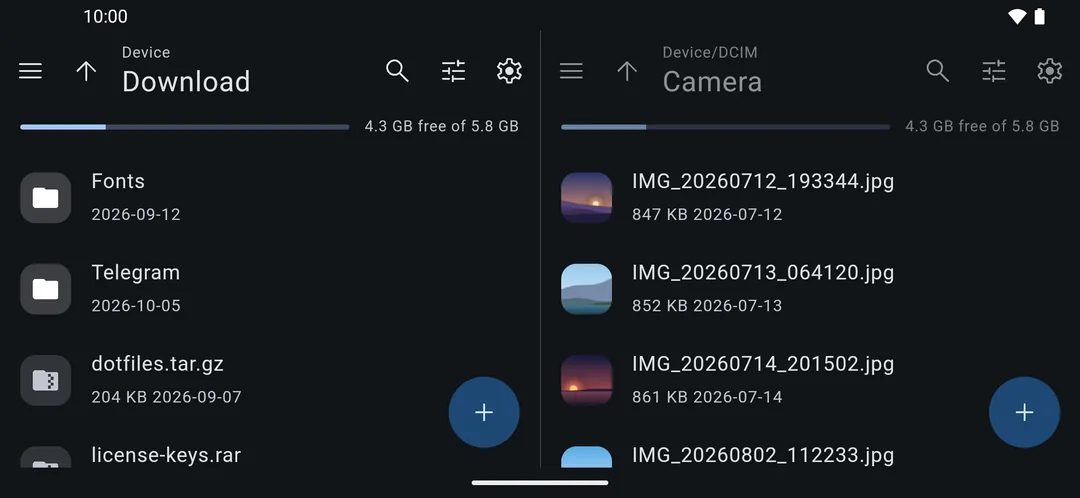
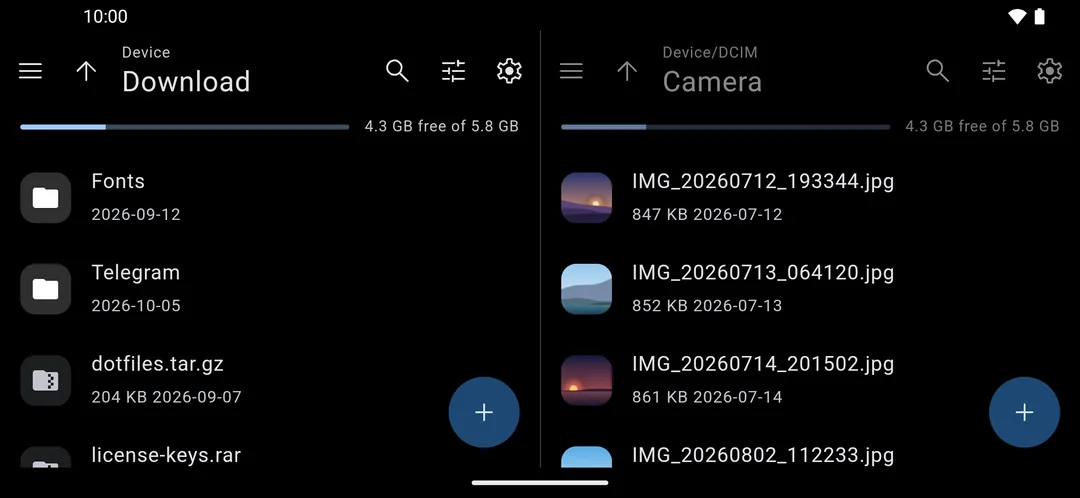
No ads. No tracking.
Your files stay on your phone. Packrat only talks to the network when you connect your own Nextcloud server or buy Premium through Google Play. Read the privacy policy.
FAQ
Short answers to common questions.
Is Packrat free?expand_more
Yes. Opening, extracting and creating archives, USB drives, disk images, the file manager and Nextcloud are all free. Premium adds encrypted containers, vault creation, the private vault, content search and archive compare, as a one-time purchase or a subscription.
Does it need root?expand_more
No. Everything, including mounting USB drives, works without root. Root or Shizuku is only used if you want to browse system folders.
Can it open password-protected archives?expand_more
Yes: zip with ZipCrypto or AES, 7z with AES-256 (including encrypted file names) and encrypted rar and rar5. You can save passwords you use often; they are stored encrypted on your phone.
How do I use a USB drive?expand_more
Plug it in with an OTG adapter or USB-C stick and allow access. The drive shows up in the side menu, ready to browse. FAT32, exFAT, NTFS and ext4 drives can be read and written.
Can I write a Linux ISO to a USB stick?expand_more
Yes. Pick an .iso or .img (also .img.xz and other compressed images, or one inside an archive) and choose Write. Packrat verifies the stick afterwards. Windows ISOs need a different tool, and Packrat tells you when it detects one.
Do my vaults work on a computer?expand_more
Yes. Vaults are standard VeraCrypt, LUKS2 or EncFS volumes, so they open with VeraCrypt or cryptsetup on Windows, macOS and Linux. If you forget the password, nobody can recover it, us included.
Are my files uploaded anywhere?expand_more
No. Packrat has no servers and no analytics. Files only leave your phone when you share them or upload them to your own Nextcloud.
How do I get Premium on a new phone?expand_more
Sign in with the same Google account, open Premium and tap Restore purchases.
Why does it ask for access to all files?expand_more
It is a file manager: it needs to see your folders to browse, extract and compress them. Nothing is read in the background.
Get Packrat
Free on Google Play for Android 8 and up.